
Receipt / Document
- Format
- Static
- Category
- Native & UI Mimicry
- Stage
- MOF
- Requires
- Prompt only
What is it
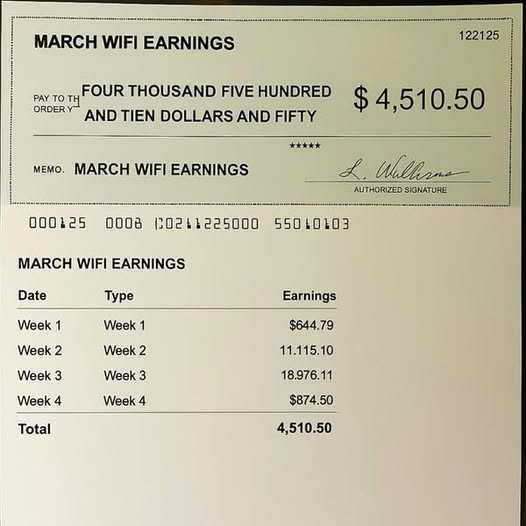
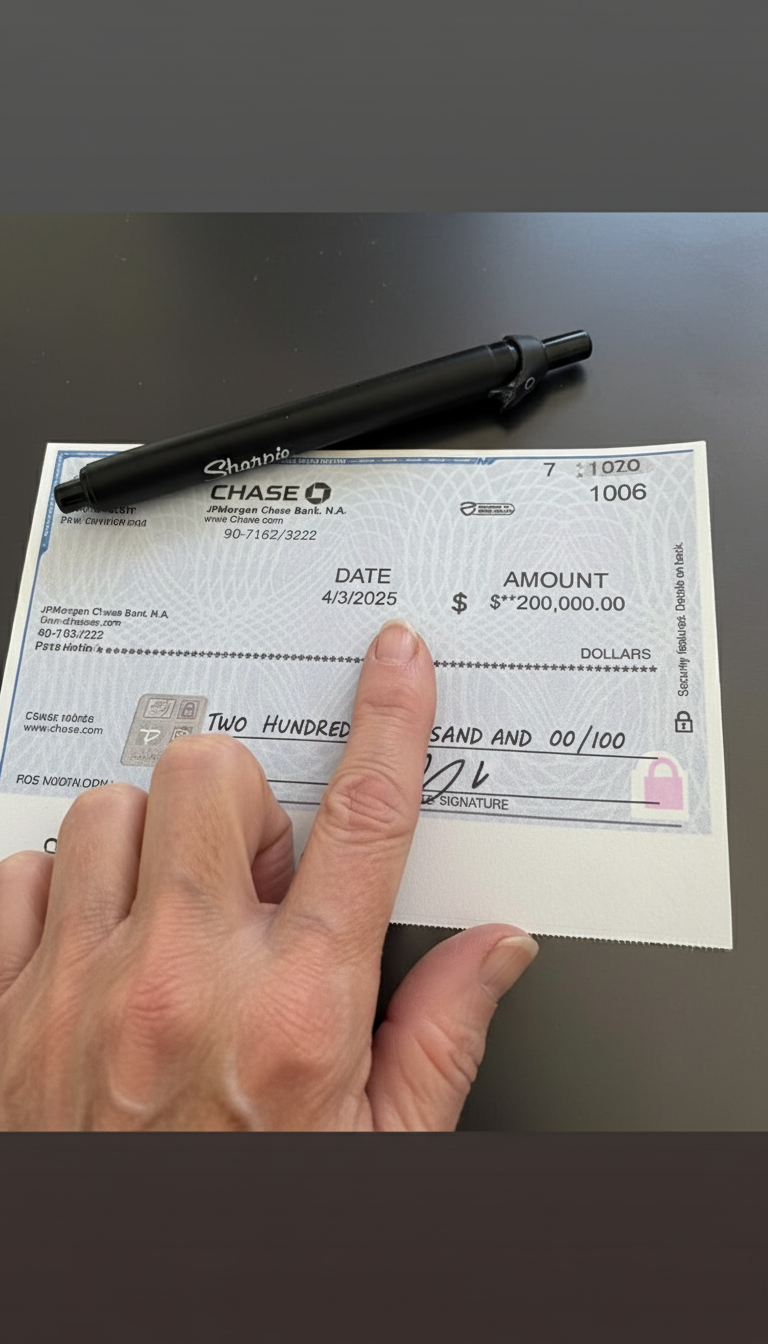
An ad that looks like a store receipt, an itemized price comparison, a tax form, or a blueprint, so a marketing claim carries the authority of hard data. People are trained to read receipts and forms line by line to check totals and catch errors, so the format gets a careful read instead of a scroll. It works on the opposite instinct to most native formats: not emotion, but the cold scrutiny you give a document that might contain a mistake.
What makes it work
Do the math for them and circle the answer
People buy because they want the thing, then look for a number that lets them feel smart about it. Cross out the retail price, show the difference, and highlight the final total. If the reader has to add it up themselves, most won't.
Emphasize one number only
The eye jumps to the circled total first, then travels back up the line items to check how you got there. Highlight three numbers and the eye has nowhere to land.
Get the document details right
Monospace or typewriter type, dotted separator lines, aligned price columns, a plausible header, a bit of paper texture. A too-clean, perfectly kerned "receipt" reads as a graphic and the authority disappears.
Keep the line items scannable
Three to six recognizable items make the total believable. Twenty rows reads as work, and work gets scrolled past.
Keep the savings plausible
"£1,800 → £12" triggers the exact skepticism the format was meant to disarm. The number should be striking and still believable. When you compare against a competitor, naming them gives the reader a concrete anchor, but keep the claim factual and the numbers defensible.
No numbers? Borrow authority instead
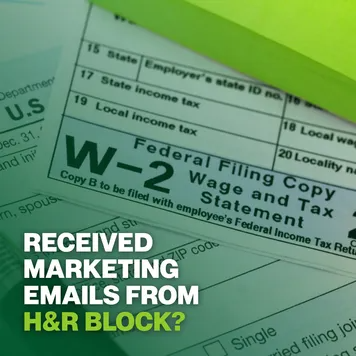
A tax form for a compensation or class-action angle, a blueprint for a technical B2B pitch. The official document does the persuading when there's no arithmetic to show.
Reference 1

AI Edit Master Prompt
Using the attached image as the layout reference: keep the close-up photo of a technical blueprint on a light wooden desk, one person's hands resting on the paper and pointing at a detail with a pencil, a dark sleeve in the foreground, a dark gradient band across the lower third, and bold diagonal green stripes cutting in from the top left and bottom right corners. Keep the three-line bold text in the bottom left, with the brand name in green and the rest in white. Replace the blueprint with {YOUR TECHNICAL DOCUMENT} and the stripe color with {YOUR BRAND COLOR}. Set the text to "{YOUR BRAND} – {THE CREDIBILITY CLAIM}".Reference 2
AI Edit Master Prompt
Using the attached image as the layout reference: keep the angled macro close-up of an official tax form filling the frame, with the large form title and printed box labels visible, a strong green gradient overlay washing over the image, and large bold stacked caps text in the bottom left, all in white except the last line in bright green. Replace the form with {YOUR OFFICIAL DOCUMENT}. Set the white lines to "{THE SELF-IDENTIFYING QUESTION}" and the green line to "{THE BRAND OR TRIGGER}".Reference 3

AI Edit Master Prompt
Using the attached image as the layout reference: keep the background photo of a city street with classic building facades, a tall off-white receipt panel with a zigzag top edge floating over the centre, and a bright green rectangular badge with white caps text overlapping its top. Inside the receipt, keep the logo with a small spaced-out tagline, two typewriter-style detail lines, dotted separator lines, a product collage on the left with an itemized list on the right, an underlined retail line and a rental-length line, a total section with a struck-through price, a small secondary logo next to a neon green highlighted price and a saving line, and a closing sign-off at the bottom. Replace the background with {YOUR SETTING}, the collage with {YOUR PRODUCTS}, and the logos with {YOUR LOGO}. Set the badge to "{THE URGENCY}", the detail lines to "{THE ORDER DETAILS}", the list to "{THREE ITEMS}", the retail line to "{RETAIL PRICE}", the struck-through total to "{THE REGULAR PRICE}", the highlighted price to "{YOUR PRICE}", the saving line to "{THE DIFFERENCE}", and the sign-off to "{THE CLOSING LINE}".Reference 4
AI Edit Master Prompt
No editing required
Reference 5
AI Edit Master Prompt
No editing required