Funny & Ugly
- Format
- Static
- Category
- Pattern Interrupts
- Stage
- TOF
- Requires
- Prompt only
What is it
An ad that deliberately drops production polish for humor, memes, and an "anti-ad" look: MS Paint windows, low-quality selfies, chaotic Facebook-post backgrounds, absurd pie charts, top-text/bottom-text memes. People have learned to tune out polished brand imagery. Something that looks like a friend's shitpost gets read, because the brain processes it as internet culture rather than marketing. The joke stops the scroll, and the real pain point underneath does the selling.
What makes it work
Commit to the ugliness
A half-ugly ad looks like a mistake. A fully ugly one looks intentional and funny. If you're using MS Paint, go all the way: grey borders, tool palette, wobbly handwriting, doodled hearts.
Put a real pain point under the joke
The absurd image gets attention, but the moment that converts is when the viewer laughs and then realizes the problem is real and the product solves it. Humor with nothing underneath is just content.
Make the joke carry the offer
A fake eye test where "Purple" means buy one get one free. A pie chart where both slices say yes. The best versions fold the call to action into the punchline so it never feels like a pitch.
Keep it legible
Every ugly ad has a point where "ugly" becomes "unreadable." A chaotic background is fine as long as the message can still be read at thumbnail size. Test the chaotic version against a toned-down one to find that point.
Only use it if your brand can be silly
This look says "we don't take ourselves too seriously." That builds rapport for a challenger brand and damages credibility for luxury or high-trust categories.
Make your own meme images
Lifting a recognizable movie still or pop-culture character is real copyright and trademark exposure on a paid campaign. Create an original dramatized image in the same spirit instead.
Reference 1
AI Edit Master Prompt
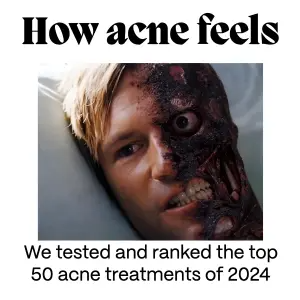
Using the attached image as the layout reference: keep the plain white background, a large bold black serif headline across the top, a cropped, dramatic image filling the middle, and one or two lines of plain black text beneath it in the classic top-text / bottom-text meme format. Replace the image with {YOUR OWN ORIGINAL DRAMATIZED IMAGE OF THE PAIN POINT}. Set the headline to "{HOW THE PROBLEM FEELS}" and the bottom text to "{THE SOLUTION OR OFFER}".
(The reference uses a recognizable film still. Don't recreate that film or its character; use an original image.)
Reference 2
AI Edit Master Prompt
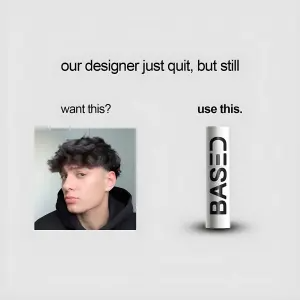
Using the attached image as the layout reference: keep the plain light grey background with a single line of plain black text centred at the top, a lowercase label with a small, low-quality selfie of a person looking smug on the left, and a bold lowercase label with a simple render of the product on the right. Replace the selfie with {A LOW-QUALITY SELFIE} and the product with {YOUR PRODUCT}. Set the top line to "{THE SELF-DEPRECATING JOKE}", the left label to "{WANT THIS?}", and the right label to "{USE THIS.}".Reference 3
AI Edit Master Prompt
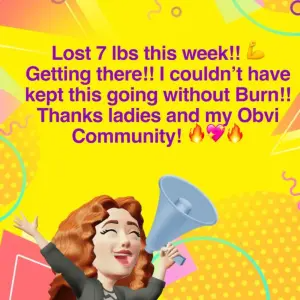
Using the attached image as the layout reference: keep the chaotic bright yellow Facebook-post style background covered in pink, orange and purple shapes, dots and squiggles, a large bold purple multi-line review centred on the canvas with flexing-arm, fire and heart emojis scattered through it, and a 3D cartoon avatar in the bottom left shouting excitedly into a large blue megaphone. Replace the avatar with {YOUR CARTOON CUSTOMER AVATAR}. Set the review text to "{THE REAL CUSTOMER REVIEW}".
(Use a genuine customer review, and keep any weight-loss or health result substantiated and typical.)
Reference 4
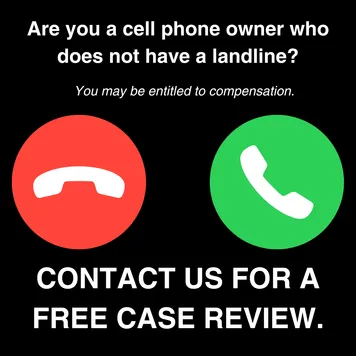
AI Edit Master Prompt
Using the attached image as the layout reference: keep the solid black background, a bold two-line white question at the top, a smaller line of white italic text beneath it, two large flat circles side by side in the centre (a red one with a white hang-up phone icon and a green one with a white answer phone icon), and a massive bold white two-line caps call to action at the bottom. Set the question to "{THE QUALIFYING QUESTION}", the italic line to "{THE POTENTIAL BENEFIT}", and the call to action to "{CTA}".Reference 5
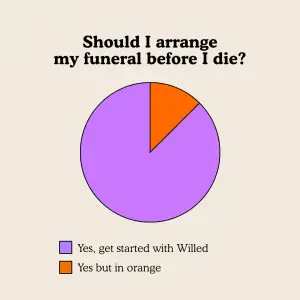
AI Edit Master Prompt
Using the attached image as the layout reference: keep the plain beige background, a bold black two-line serif question at the top, a simple flat pie chart in the centre with one large light purple slice and one small orange slice outlined in thin black lines, and a two-line color key beneath with a small square next to each label. Set the question to "{THE ABSURD QUESTION}", the purple key to "{YES, WITH YOUR BRAND}", and the orange key to "{THE JOKE NON-CHOICE}".Reference 6
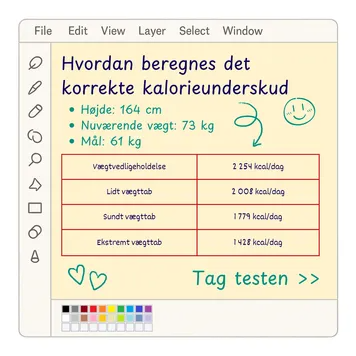
AI Edit Master Prompt
Using the attached image as the layout reference: keep the old-school paint program interface with a grey top menu bar, a left tool palette of outlined icons and a colour palette in the bottom left, a light yellow canvas with a two-line blue handwritten-style headline, a green bulleted list of three lines, a red-bordered table with four rows and two columns, and hand-drawn green doodles (a smiley face, a curly arrow and two hearts), with green text and arrows in the bottom right. Set the headline to "{THE QUESTION}", the list to "{THREE PERSONAL DETAILS}", the table to "{FOUR OPTIONS AND THEIR VALUES}", and the bottom-right text to "{CTA} >>".Reference 7
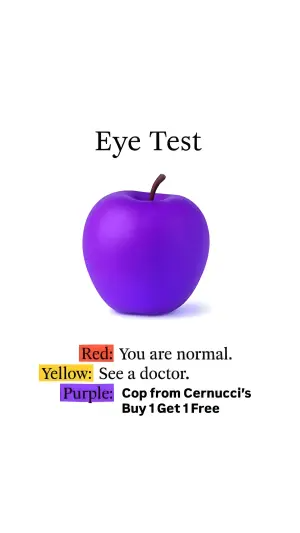
AI Edit Master Prompt
Using the attached image as the layout reference: keep the plain white background, a centred serif title in the upper third, a shiny 3D render of an object in an unexpected colour in the middle, and a three-line colour key below, each line starting with a coloured highlight box followed by text, with the last line in bold sans-serif. Replace the object with {YOUR ABSURDLY COLOURED OBJECT}. Set the title to "{THE FAKE TEST}", the first two lines to "{COLOUR 1}: {THE NORMAL RESULT}" and "{COLOUR 2}: {THE FUNNY RESULT}", and the last line to "{COLOUR 3}: {THE OFFER}".Reference 8
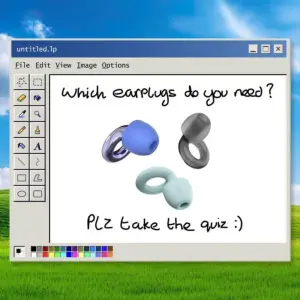
AI Edit Master Prompt
Using the attached image as the layout reference: keep the classic green rolling-hills desktop wallpaper under a blue sky, an old paint program window floating in the centre with a title bar, menu bar, left tool palette and colour palette, and a white canvas with a messy handwritten question at the top, three product renders in different colours in the middle, and a messy handwritten call to action with a smiley at the bottom. Replace the renders with {YOUR PRODUCT IN THREE VARIANTS}. Set the question to "{THE QUIZ QUESTION}" and the call to action to "{THE CASUAL CTA} :)".Reference 9
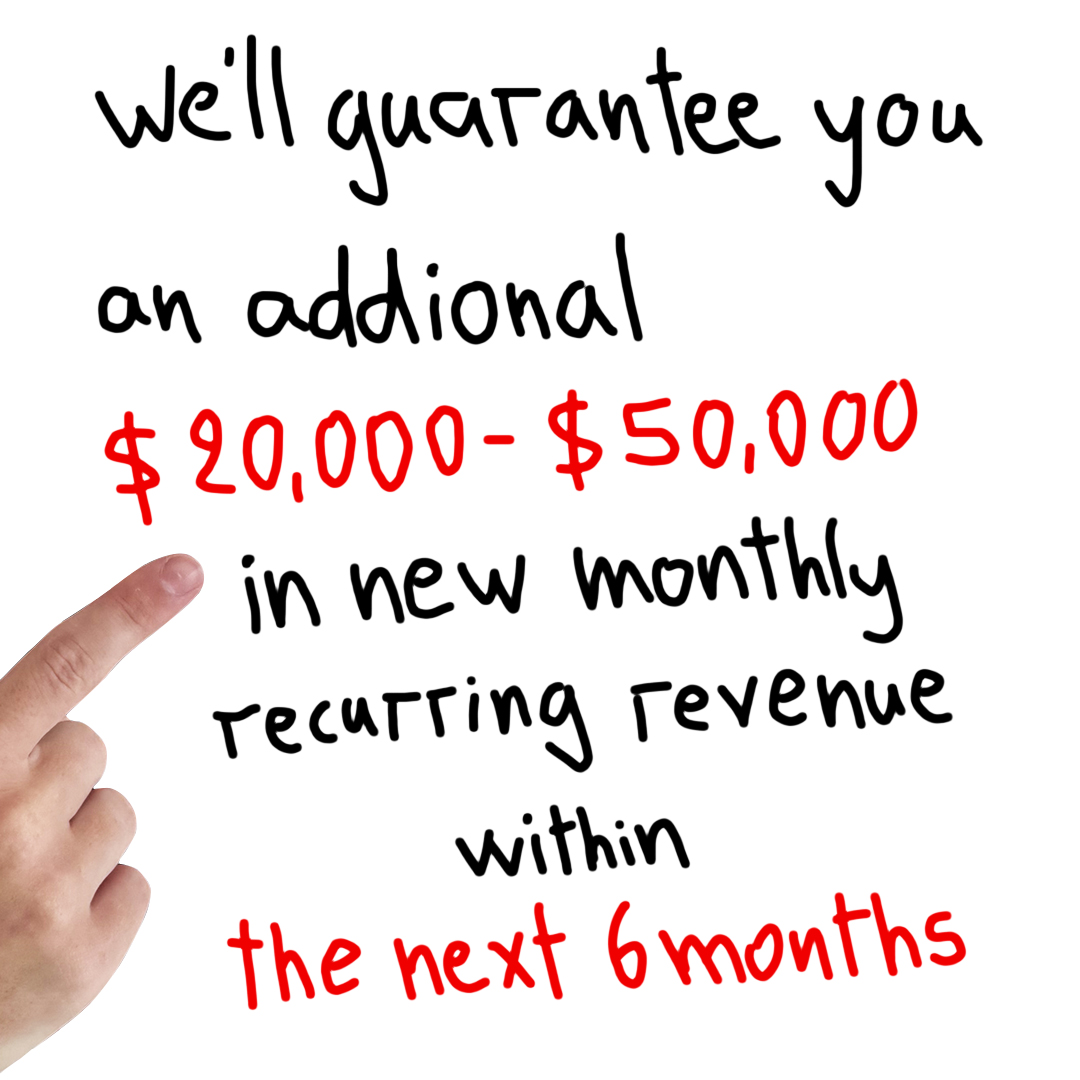
AI Edit Master Prompt
Using the attached image as the layout reference: keep the plain white background with no photography or graphics, a single sentence handwritten in thick black marker filling the whole frame across seven or eight centred lines of uneven width, with the key number phrase and the closing timeframe phrase written in bright red while the rest stays black, and a real photographed hand entering from the lower-left edge with the index finger extended, pointing up toward the red number line. Set the handwritten sentence to "{THE GUARANTEE} {THE SPECIFIC NUMBER OR RANGE} {THE OUTCOME} {THE TIMEFRAME}", with {THE SPECIFIC NUMBER OR RANGE} and {THE TIMEFRAME} in red.Reference 10
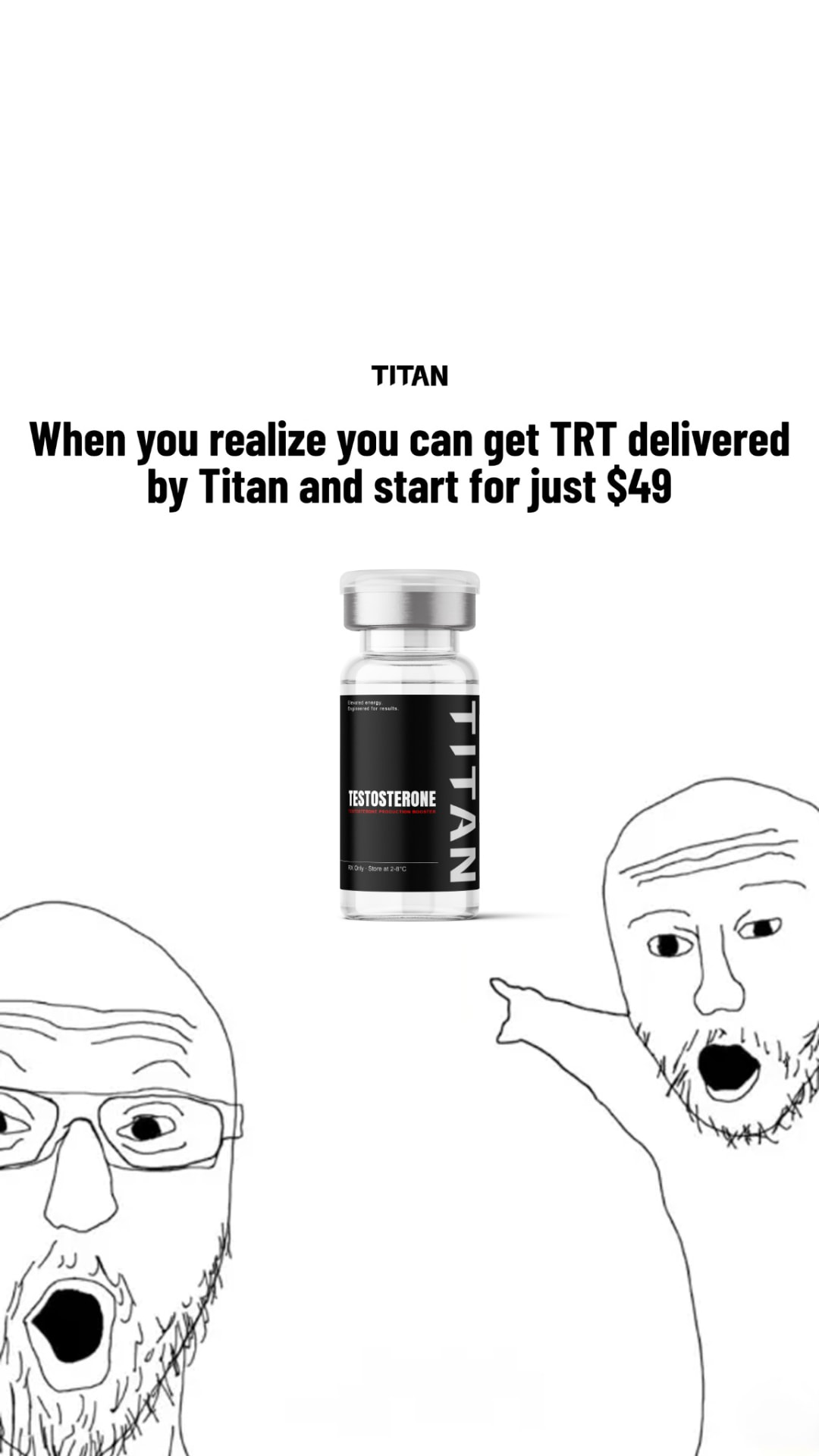
AI Edit Master Prompt
Using the attached image as the layout reference: keep the plain white background, a small centred all-caps wordmark at the very top, a bold two-line centred headline beneath it in heavy sans-serif, the product floating alone in the vertical centre of the frame at small scale, and two crude black-line cartoon faces drawn in a deliberately amateur style cropped at the bottom edges — one entering from the lower-left corner and one from the lower-right — both with open mouths and wide eyes, the right one with an arm raised pointing up at the product. Replace the product with {YOUR PRODUCT}. Set the wordmark to "{YOUR BRAND}" and the headline to "{THE REALISATION}".Reference 11
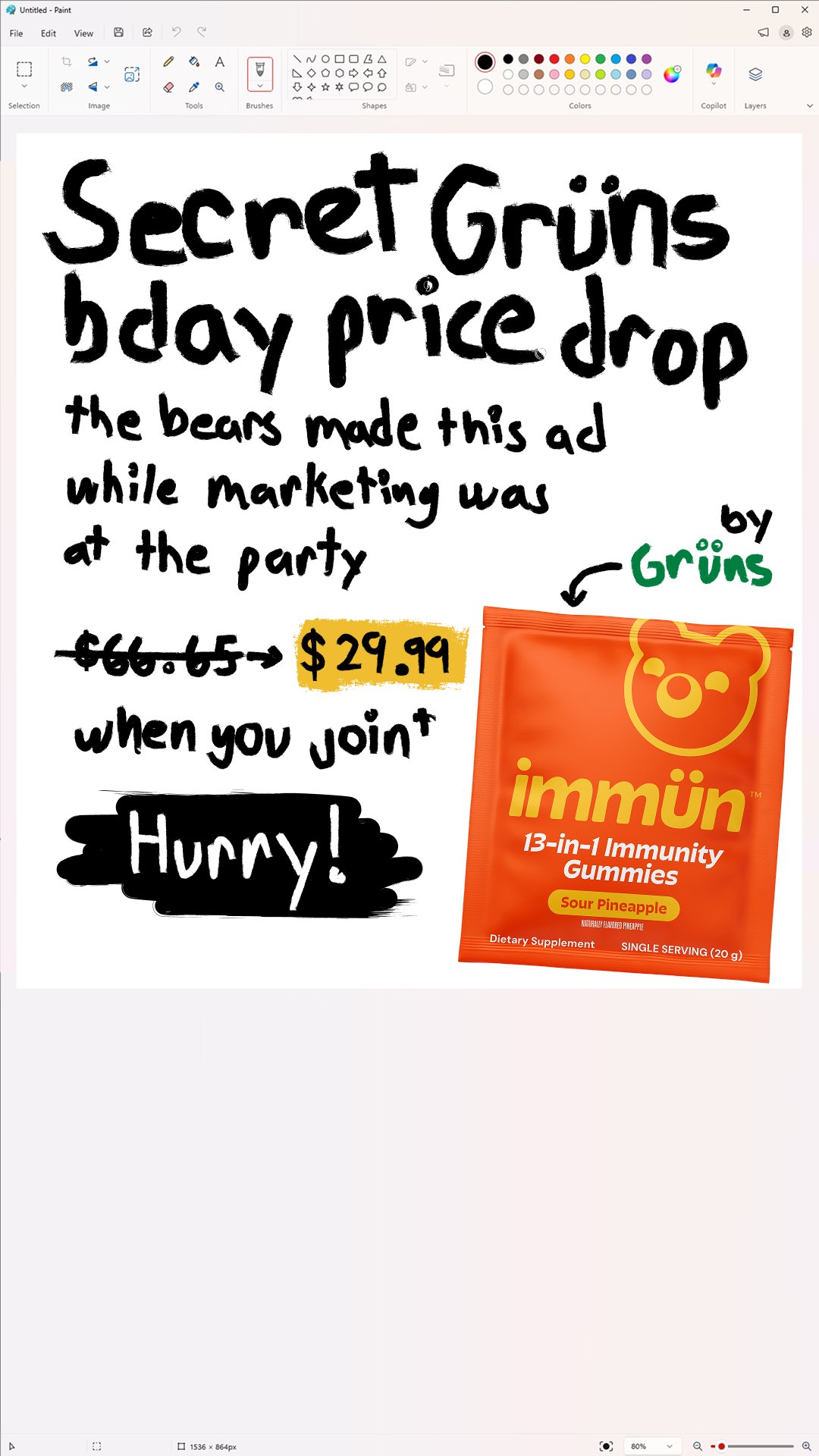
AI Edit Master Prompt
Using the attached image as the layout reference: keep the full screenshot of a modern paint application — title bar with window controls at the top, a ribbon toolbar with tool and shape and colour palette groups beneath it, and a status bar at the bottom showing canvas dimensions and a zoom slider — with a white canvas filling most of the frame. Inside the canvas keep everything drawn in a deliberately rough brush-pen hand: a large two-line headline across the top, a smaller handwritten joke explaining why the ad looks this way, an old price struck through with a hand-drawn arrow leading to a new price sitting on a scrawled highlighter block, a short line of terms beneath it, a closing word written in white inside a heavy scribbled black block, a handwritten brand signature in colour with a curved arrow pointing down at the product, and the product photograph placed at the lower right. Replace the product with {YOUR PRODUCT}. Set the headline to "{THE OFFER}", the joke line to "{WHY THE AD LOOKS LIKE THIS}", the prices to "{OLD PRICE}" and "{NEW PRICE}", the terms line to "{THE CONDITION}", the signature to "{YOUR BRAND}", and the closing word to "{THE URGENCY WORD}".Reference 12
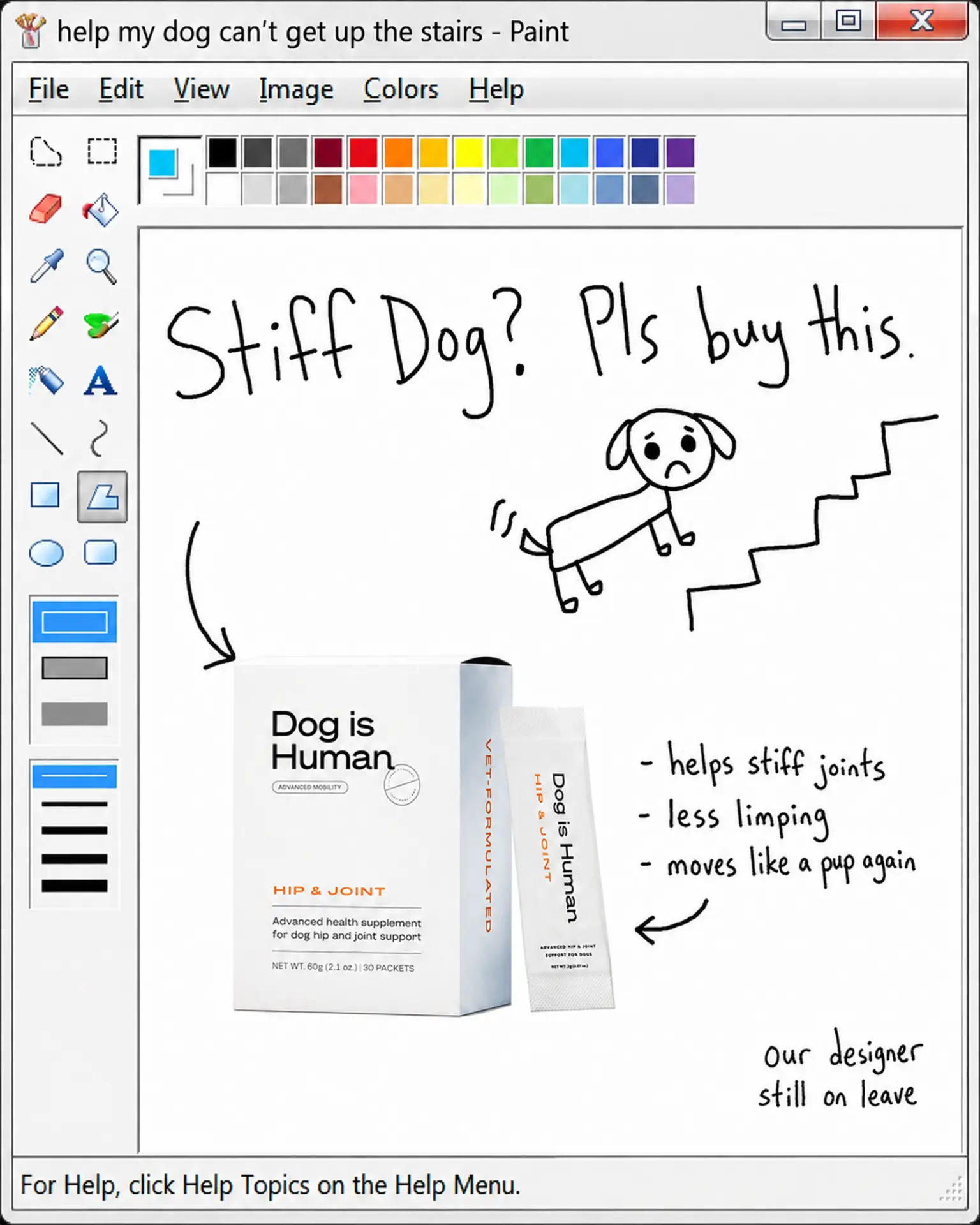
AI Edit Master Prompt
Using the attached image as the layout reference: keep the full screenshot of a vintage-era paint application — chunky bevelled title bar with the file name reading as a panicked search query, a text menu row, a vertical tool palette of skeuomorphic icons down the left with a two-row colour swatch strip along the top, a line-width selector at the lower left, and a help hint in the status bar at the bottom — with a white canvas filling the rest. Inside the canvas keep everything hand-drawn in thin black pen: a large handwritten headline across the top, a crude stick-figure illustration of the problem at the upper right with a few motion marks, the product photograph placed at the lower left with a curved arrow pointing at it, three handwritten dashed benefit lines at the middle right with an arrow pointing back toward the product, and a small self-deprecating handwritten aside in the bottom-right corner. Replace the product with {YOUR PRODUCT}. Set the window title to "{THE PANICKED SEARCH QUERY}", the headline to "{THE PROBLEM AS A QUESTION} {THE BLUNT ASK}", the stick drawing to "{THE PROBLEM ILLUSTRATED}", the three lines to "{THREE BENEFITS}", and the corner aside to "{THE EXCUSE}".